box slider
 fullwidth slider
Software needed for Missing AMD Chipset and Video Drivers
- Home
- Solution
- Technology Consulting
- Software needed for Missing AMD Chipset and Video Drivers
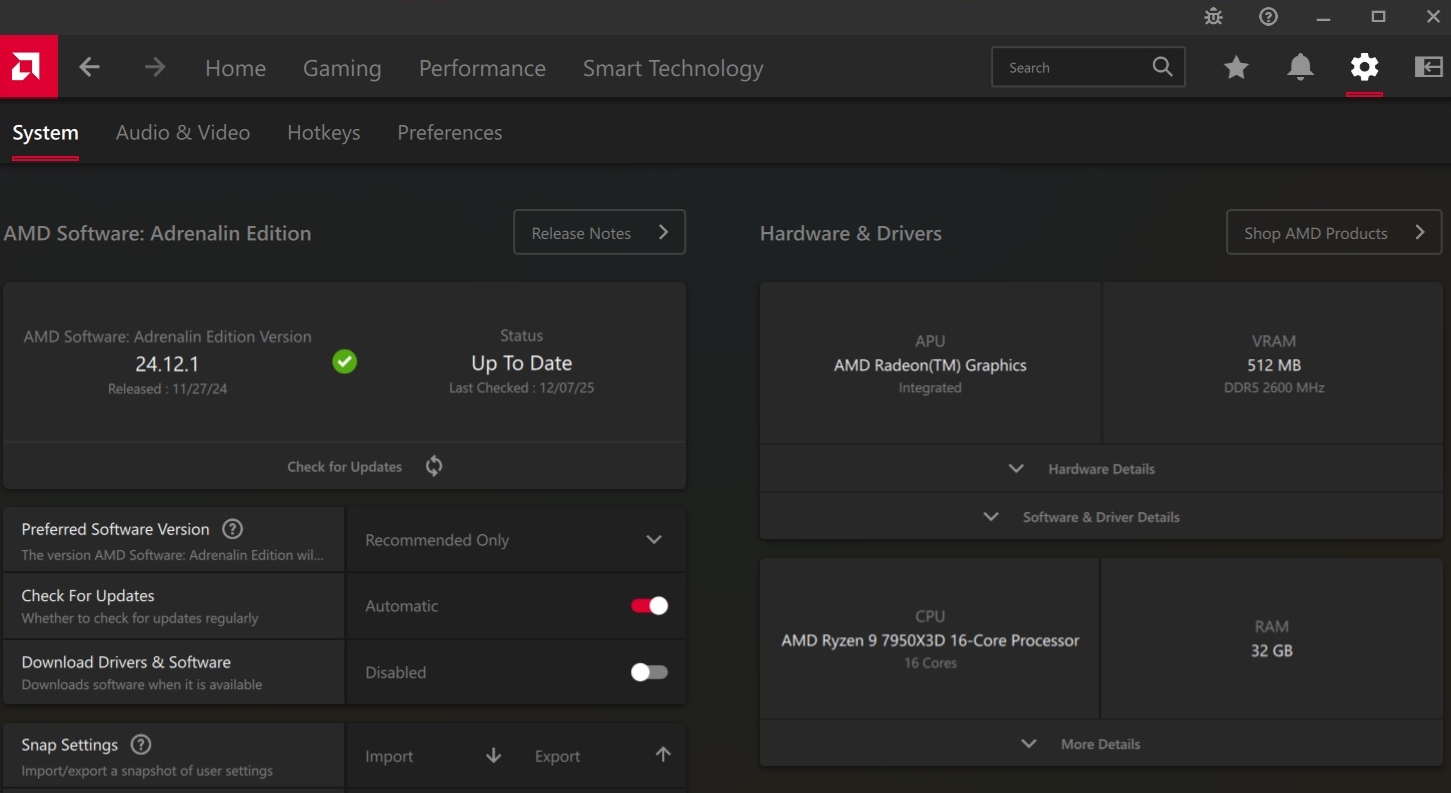
In recent years, if you are building a new Gaming PC, even after installing all available Operating System updates, you may notice several drivers missing in your Device Manager. PCs built with AMD Chipsets and Processors have many components that require drivers – this has been a hot topic in the Mini PC community in which many drivers are missing after a Windows 11 reinstall.
AMD Software Installer: Adrenalin Edition and AMD Chipset Software
Although these two may sound the same, they are not. The AMD Software Installer: Adrenalin edition usually installs the drivers for the integrated graphics card, for example, AMD Radeon 780M Graphics.
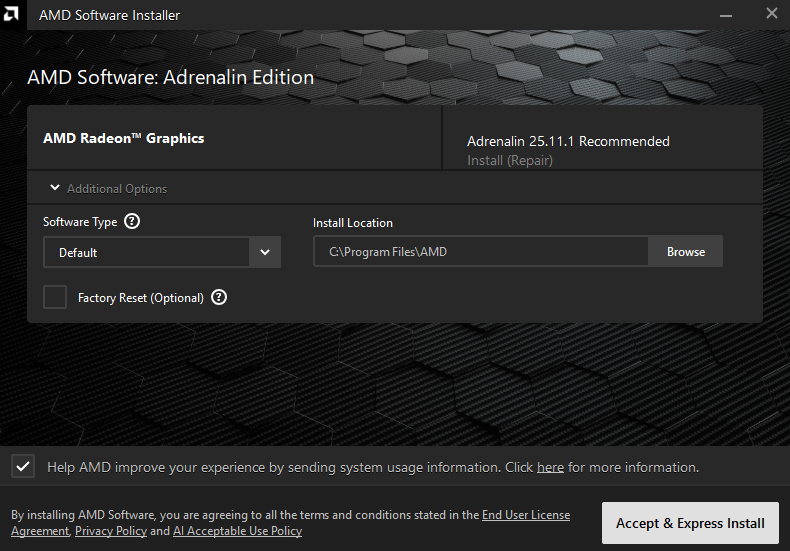
To download the latest version, please click here.
Filename example: amd-software-adrenalin-edition-25.11.1-minimalsetup-251111_web.exe
The AMD Chipset Software installs the rest of the Drivers such as the AMD I2C Driver, AMD GPIO Driver, AMD PSP Driver, AMD MicroPEP Driver, AMD Sensor Fusion Hub Driver, AMD PPM Provisioning File Driver and AMD Interface Driver. These may appear in your device manager as: PCI Data Acquisition and Signal Processing Controller, PCI Device, AMD PCI, PCI Encryption/Decryption Controller, AMD PSP 11.0 Device, SM Bus Controller, AMD SMBUS, ACPI\AMDI0052\2&DABA3FF&0 or AMD Provisioning Packages
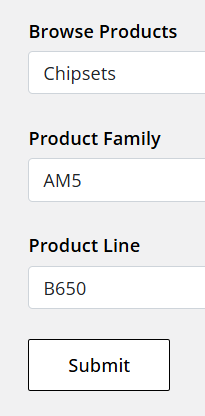
To download the latest version, you may obtain it directly from the manufacturer of your Motherboard or PC. Alternatively, you may visit the Drivers and Support page here and scroll down to Search or Browse Drivers and Support by product. Locate the Chipset of your PC – You can use an application such as HWiNFO64 to obtain your motherboard’s Chipset information – then select Chipset, Product Family, Product Line, and click Submit.
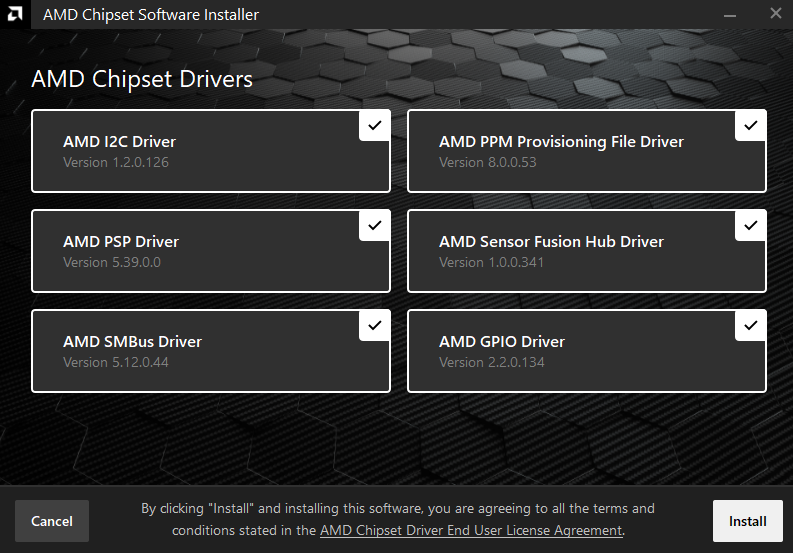
Filename example: amd_chipset_software_7.06.02.123.exe
During the install, the Software will find and display details about the compatible devices found. After completing the installs, restart. All your AMD based drivers should now be installed.
If any of these software components cause problems (driver conflicts, missing network card, start menu or settings not loading) please checkout this article.