box slider
 fullwidth slider
Missing Intel Dynamic Tuning Driver in CyberPower PCs
- Home
- Solution
- Technology Consulting
- Missing Intel Dynamic Tuning Driver in CyberPower PCs
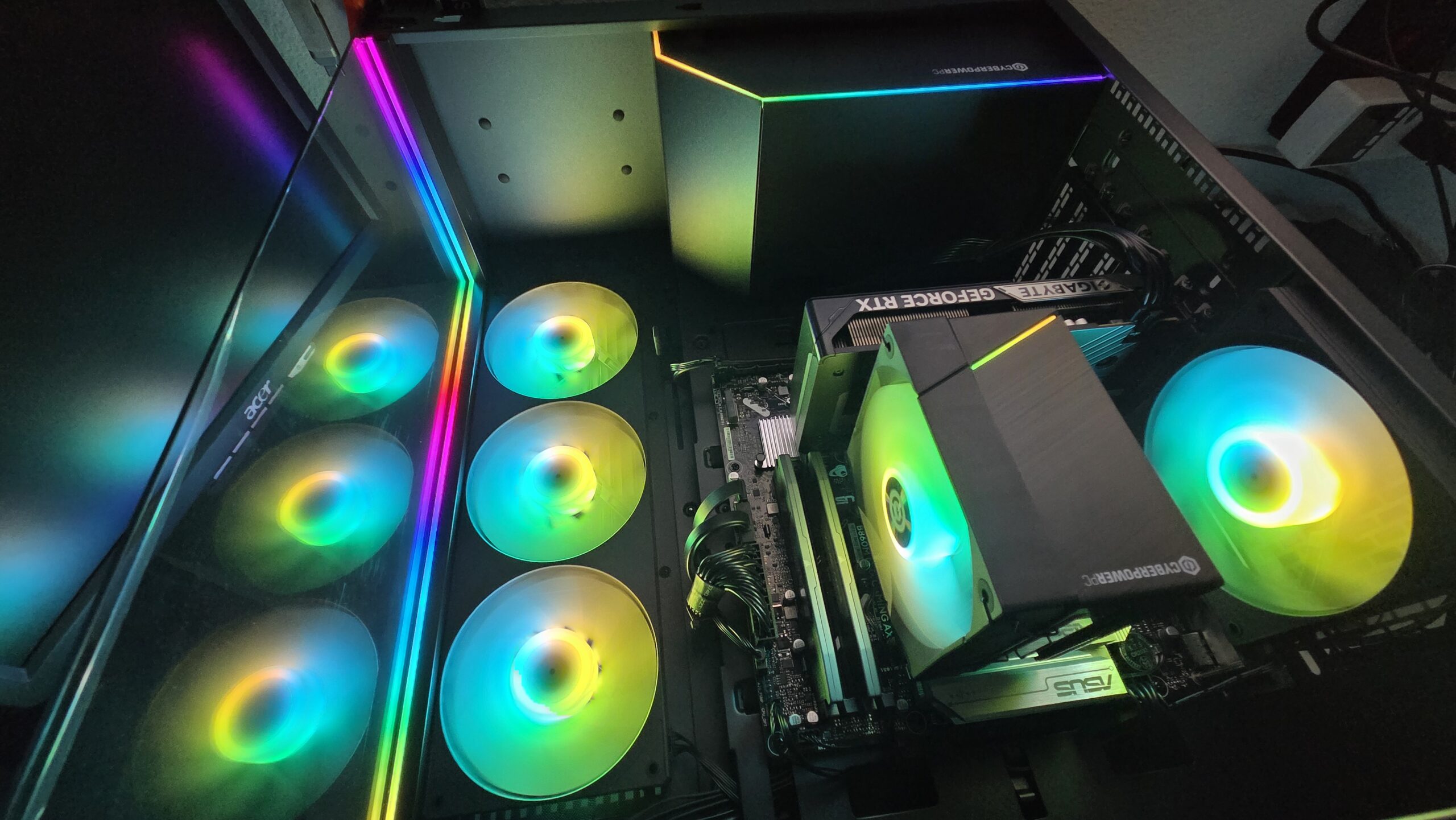
I just finished working with a CyberPowerPC Gamer Xtreme – Model ET8614-11511. This Gaming PC features an Intel Core Ultra 5 225F, ASUS B860M MAX GAMING AX motherboard, 32 GB (2 x 16 GB PC5-48000 DDR5) RAM, an NVIDIA GeForce RTX 5060, a Case with 4 x 120mm fans, and everything neatly organized inside. I performed an in-depth energy usage analysis which can be seen here. Upon installing Windows 11 and allowing Windows updates to take care of the Drivers, I noticed 3 devices were missing:
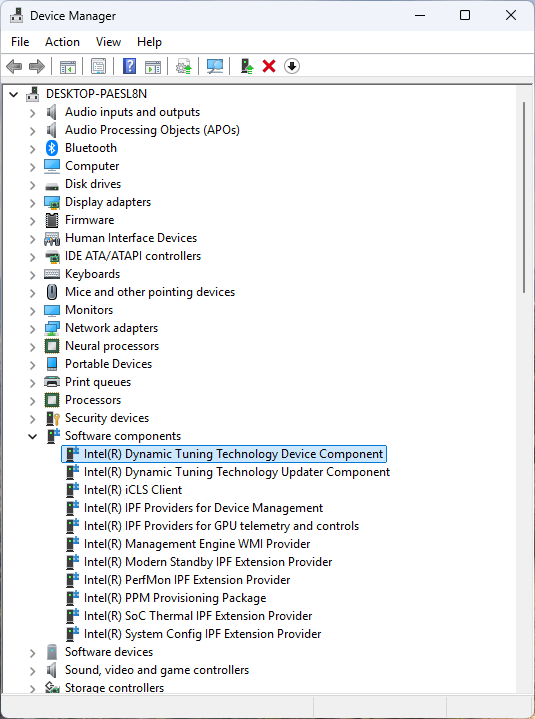
Intel(R) Dynamic Tuning Technology Device Component
SWC\VID8086_DTT_1.0

Intel(R) Dynamic Tuning Technology Updater Component
SWC\VID8086_DTTCFG_1.0

Intel(R) PPM Provisioning Package
SWC\VID8086_PPM_Provisioning_C0662_1.0
The Driver that installs these devices is the Intel Platform Performance Package Installer. You can visit the support page for your Motherboard…expand all driver options if there is an option, and proceed to download the installer. In this example, the ASUS B860M MAX GAMING AX support page shows the following:
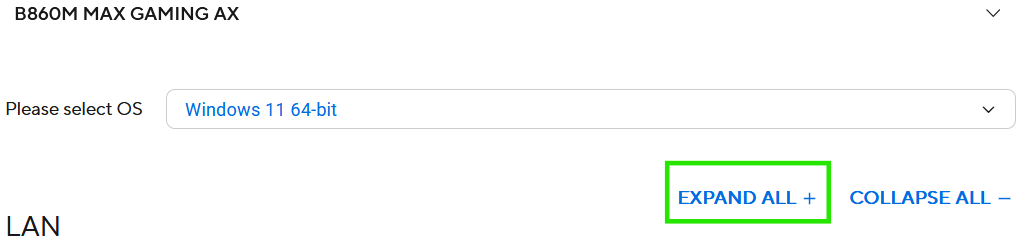
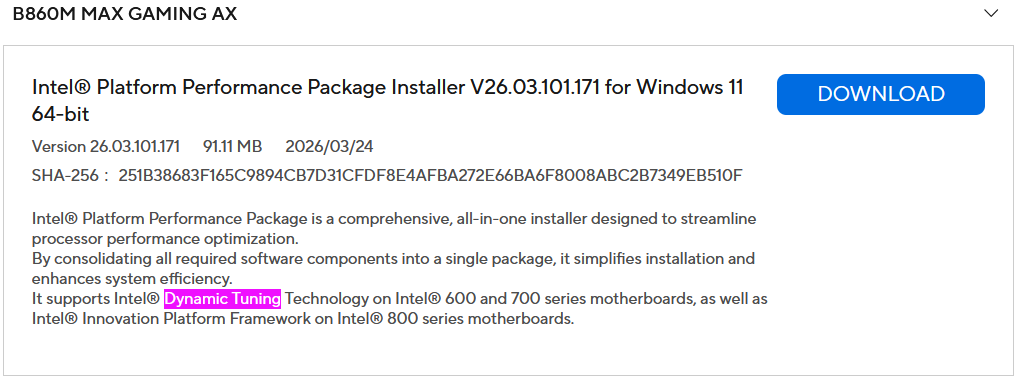
Once you have downloaded the installer, proceed to Run and Install. Once the setup has completed, be sure to restart your PC.
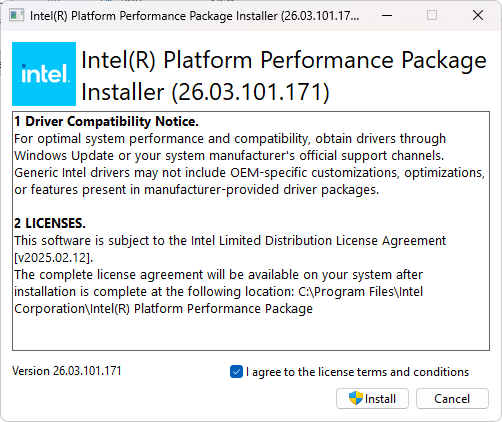
Driver install completed: