box slider
 fullwidth slider
Desktop Pilot’s Cessna 172 Ignition Panel Review
- Home
- Aviation
- Flight Simulation
- Desktop Pilot’s Cessna 172 Ignition Panel Review
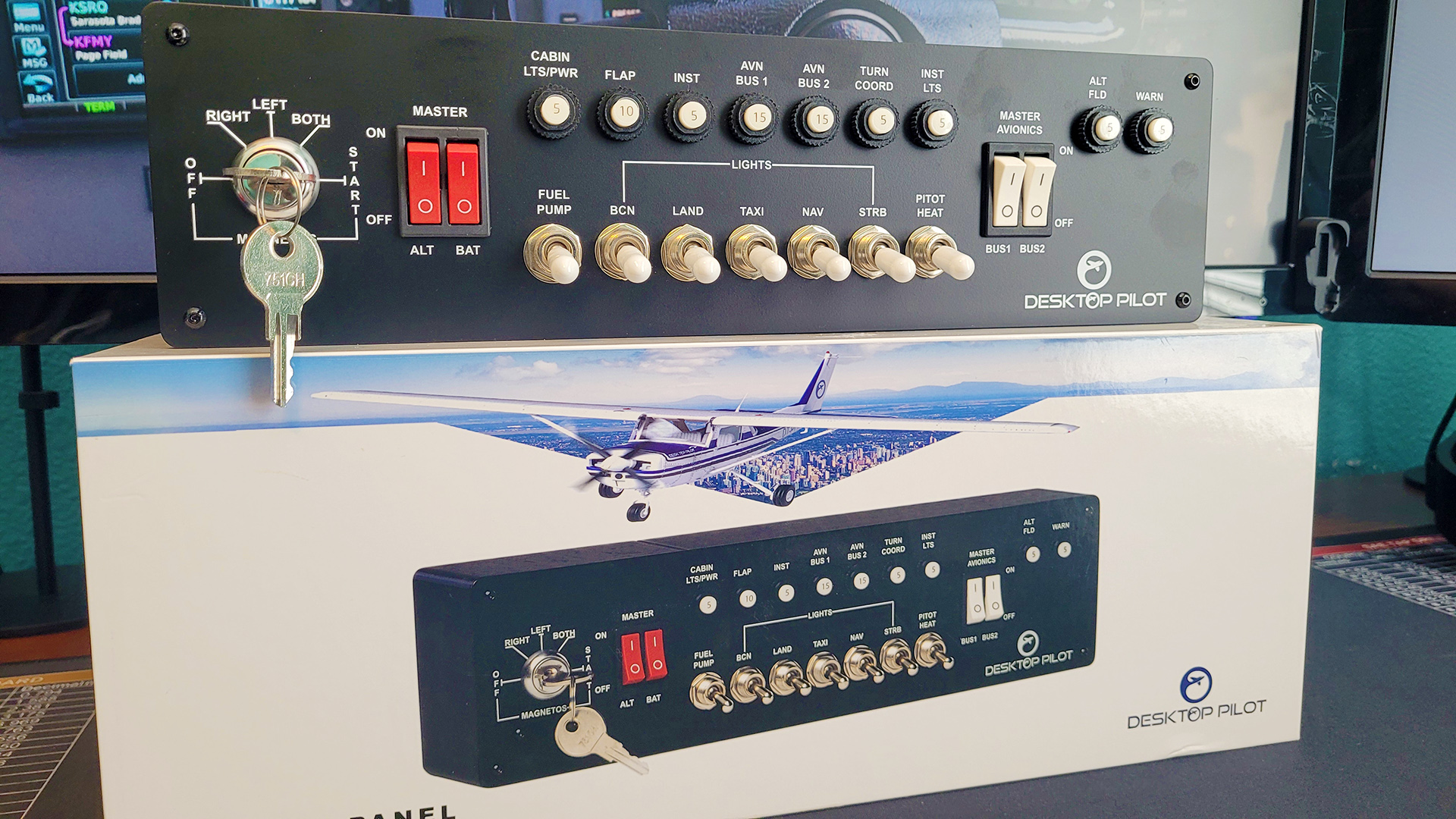
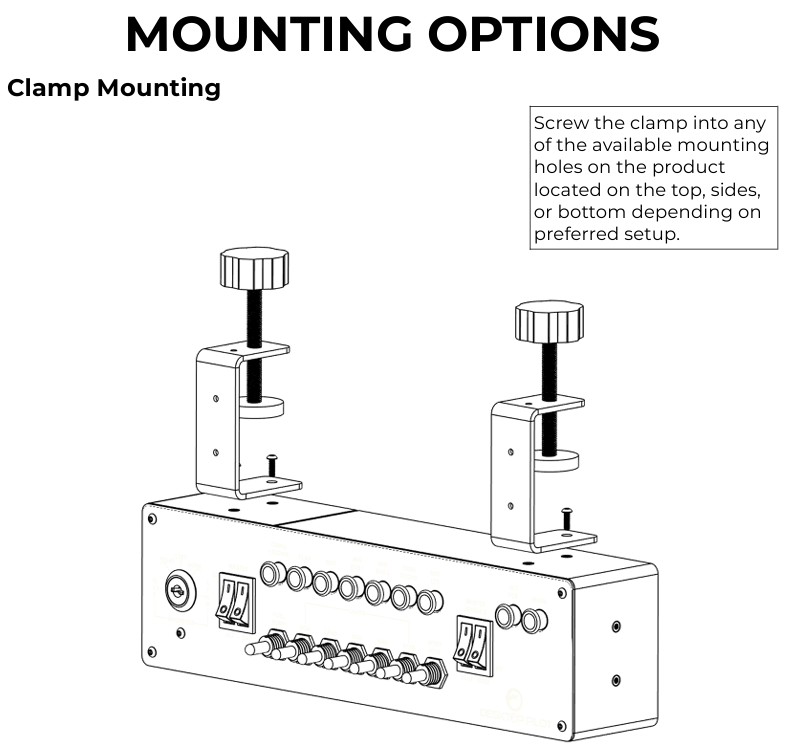
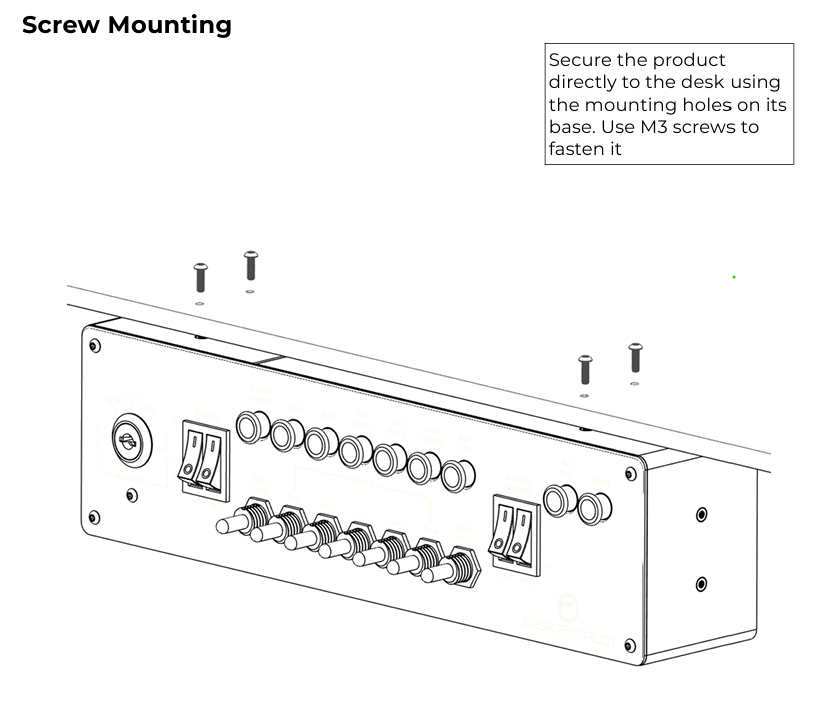
In this review we unbox and install the Cessna 172 Ignition Panel developed by Desktop Pilot. The unboxing experience is excellent, being shipped in a high quality box that serves as the brochure for the product, offering information and install instructions. The panel ships out with all necessary accessories to just plug and play.
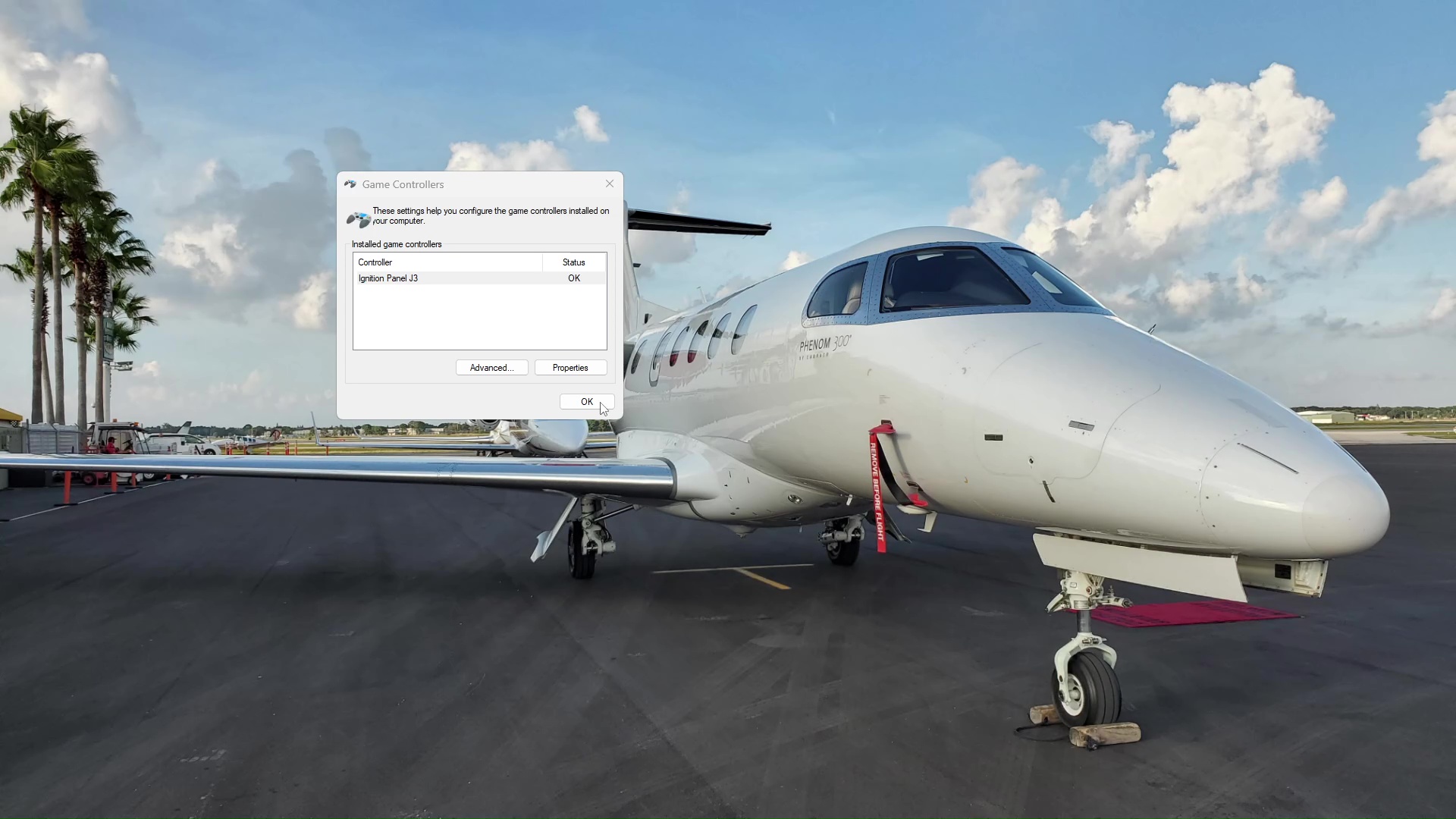
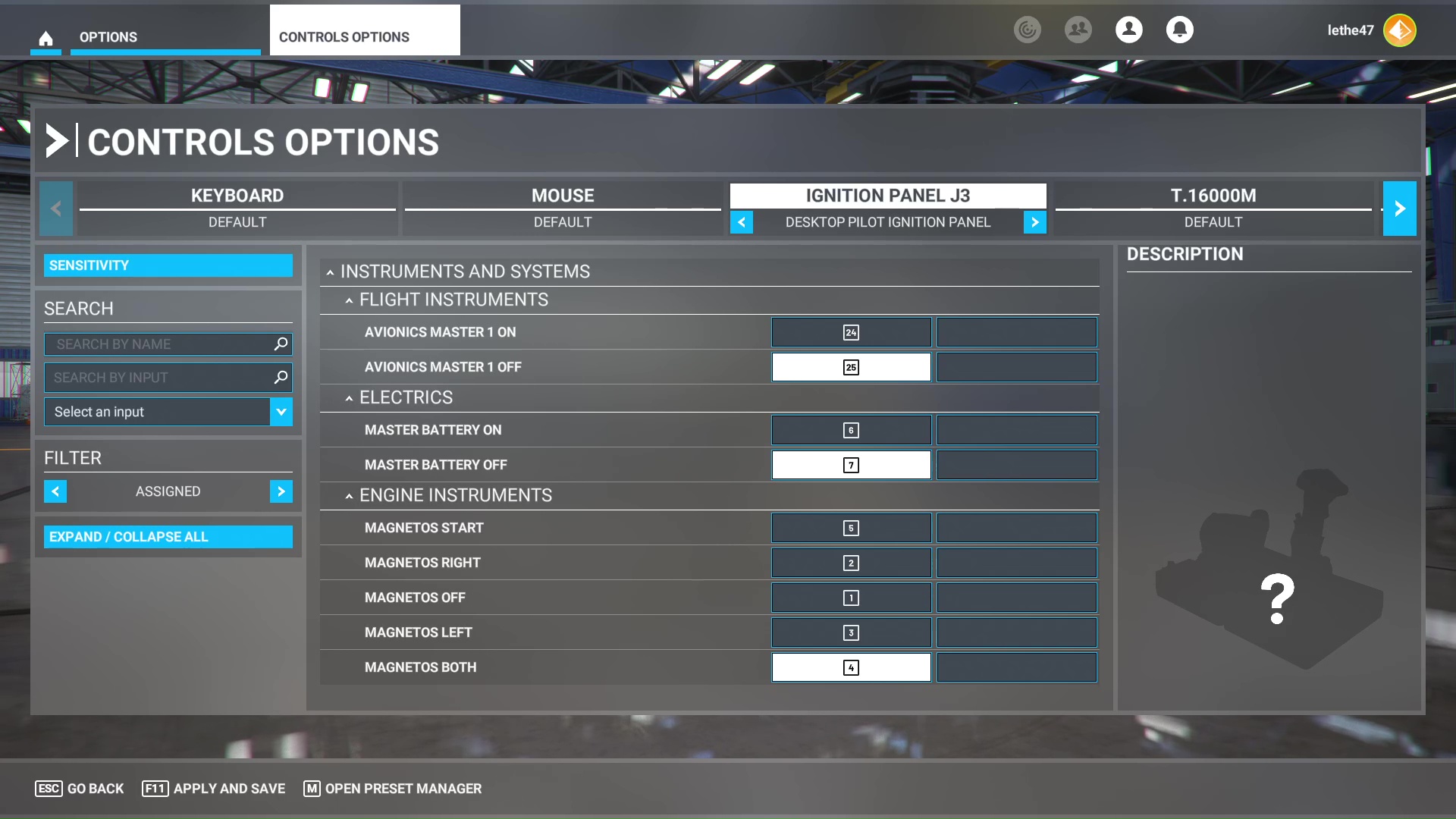
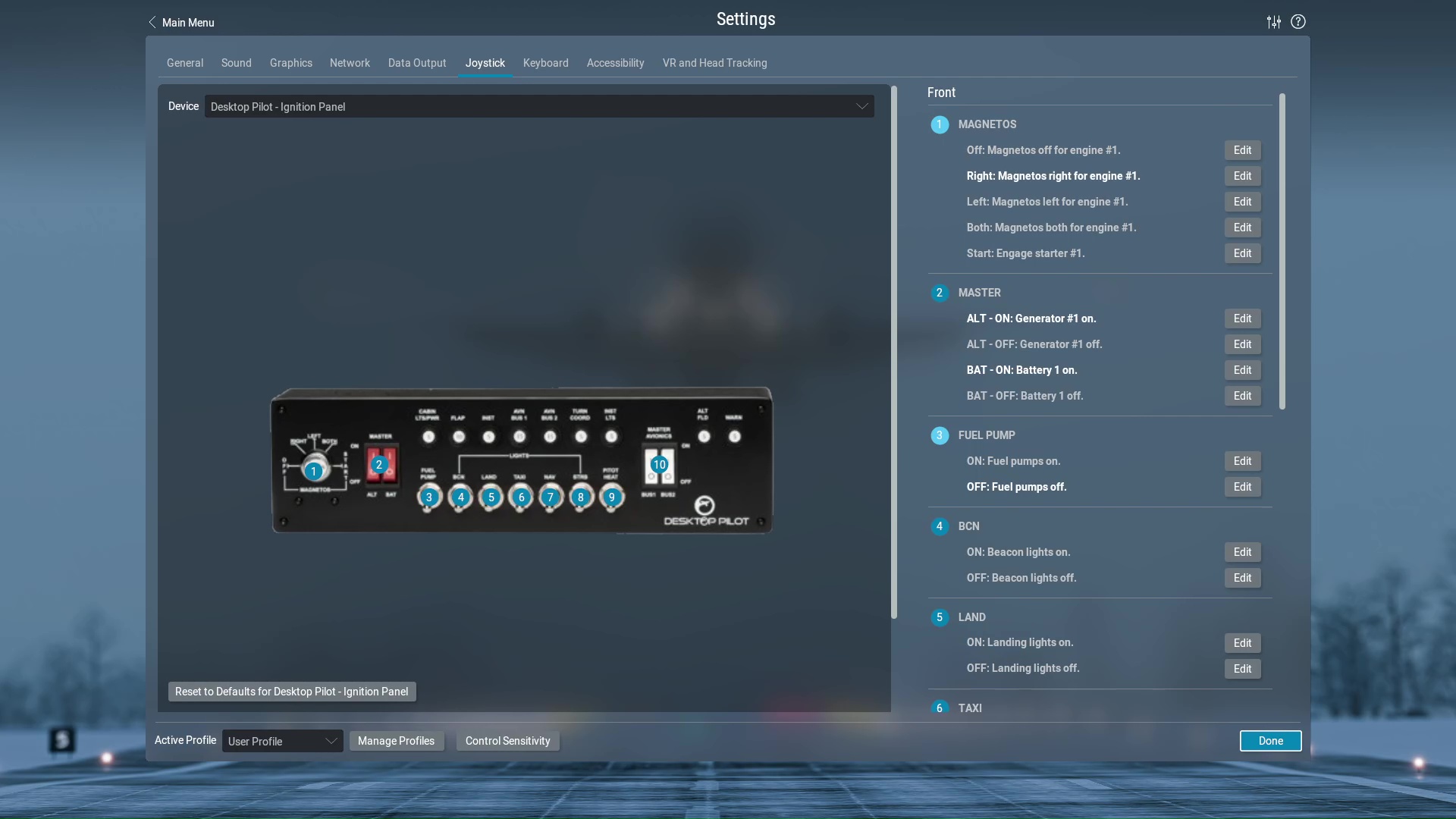
It includes the Amps stickers, velcro as one of the many mounting options, and also a USB A to type USB B Cable for the connection. The panel is immediately detected by Operating Systems such as Windows and Linux, with no additional drivers required. Within Simulators such as Microsoft Flight Simulator 2020, 2024, X-Plane 12, FSX, etc, the Panel and it’s inputs are detected.
You can further program advanced actions within any simulator with applications such as MobiFlight which also detect the panel as a Joystick. A very important feature is the quality and specifications of the electronics. Desktop Pilot did it the right way by using single pole double throw switches for all of the toggle and rocker switches.

This saves you from any additional programming or hassles within the simulator, and also, the rotary switch used for the magnetos has an input for each one of the actions. One version of this panel also has lighted fuse/breakers, and these require their SkySync software to interface with the simulator. Overall, I recommend this panel and it is a great addition to any simulator, DIY Home cockpit or training device because it represents real aircraft equipment.
🔗 Links and Info
- Storefront
- Ignition Panel: https://www.desktoppilot.com/product/lighted-fuse-ignition-panel/
- Setup Instructions: https://www.desktoppilot.com/manuals/light-fused-ignition-panel-user-manual/
- Desktop Pilot Software Downloads: https://www.desktoppilot.com/software/
- Honeycomb Bravo Throttle Cool Add-ons: https://prodesksim.com/digitaljoshua