box slider
 fullwidth slider
GEEKOM IT Mini PC Intel Based Missing Drivers
- Home
- Solution
- Technology Consulting
- GEEKOM IT Mini PC Intel Based Missing Drivers
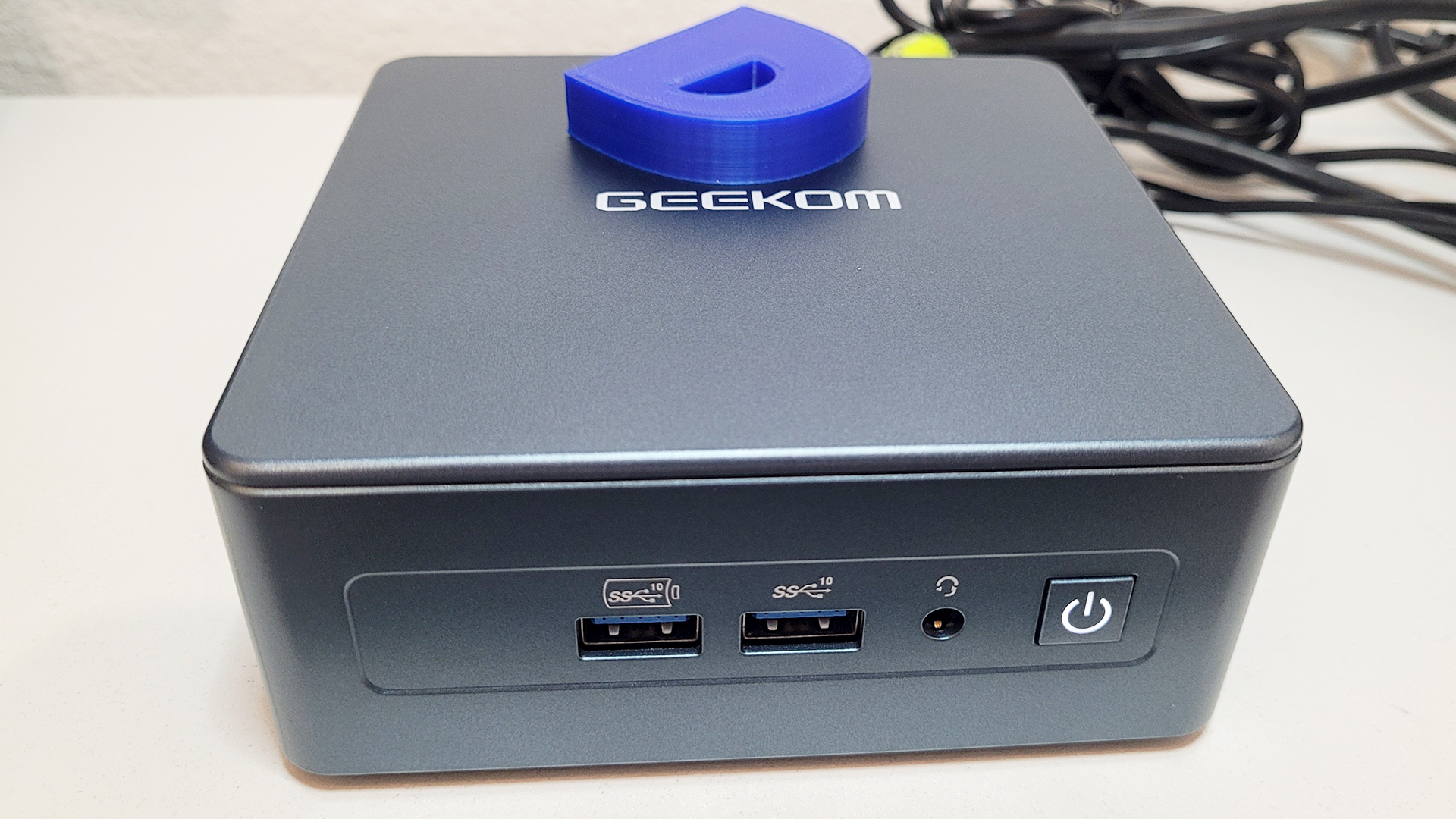
Even in September, 2026, after the release of Windows 25H2 in September, 2025, and several security/OS updates, Windows 11 still lacks many Drivers for Mini PCs with AMD and Intel Chipsets. In this example, this GEEKOM Mini IT13 PC ships out with Windows 11 and even after all updates are applied, there are a few drivers missing in the Device Manager.
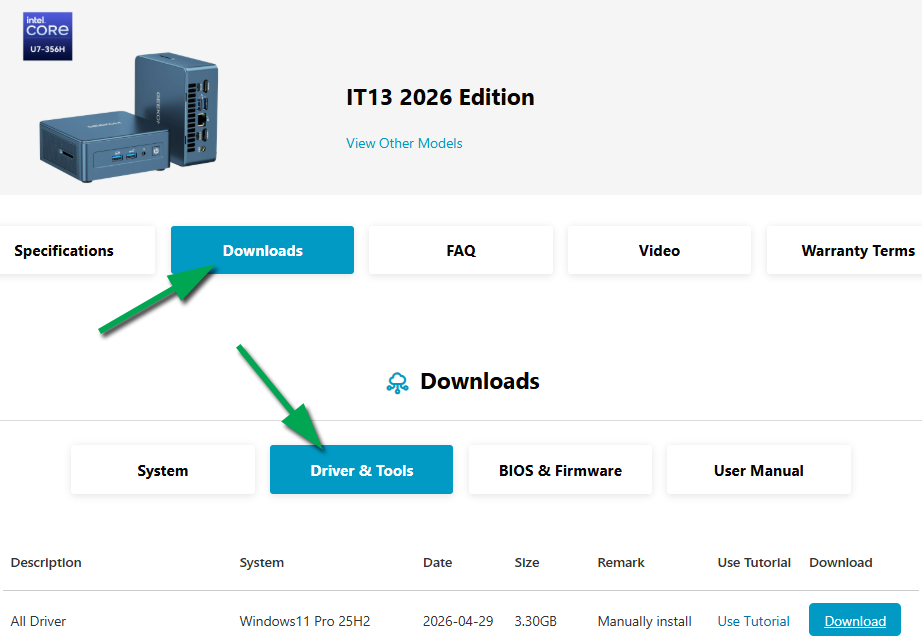
GEEKOM has a well organized website with support pages for each product. Once you visit the Support Website, select your Product Series, then the actual model, then click the Downloads and go to Drivers & Tools – there you will see the option to download ALL drivers or each one individually. Most of these missing drivers are installed by the Chipset Drivers, as well as the individual component drivers (usually SERIAL IO, SCME, HID, PPM, GNA, SST, DTT, SD, etc.):

For this model, the GEEKOM Mini PC IT13, the missing drivers were as follows – notice two names in bold: The device name before the drivers are installed, and right below the actual device name updated once the driver was installed, followed by a few lines of the Hardware IDs that help us identify the hardware:
Base System Device
Intel(R) GNA Scoring Accelerator module
PCI\VEN_8086&DEV_A74F&SUBSYS_00000000&REV_00
PCI\VEN_8086&DEV_A74F&SUBSYS_00000000

PCI Device
Intel(R) SPI (flash) Controller - 51A4
PCI\VEN_8086&DEV_51A4&SUBSYS_00000000&REV_01
PCI\VEN_8086&DEV_51A4&SUBSYS_00000000
PCI\VEN_8086&DEV_51A4&REV_01
PCI\VEN_8086&DEV_51A4&CC_0C8000

SM Bus Controller
Intel(R) SMBus - 51A3
PCI\VEN_8086&DEV_51A3&SUBSYS_00000000&REV_01
PCI\VEN_8086&DEV_51A3&CC_0C0500

Unknown Device
Intel(R) Serial IO GPIO Host Controller - INTC1055
ACPI\VEN_INTC&DEV_1055
ACPI\INTC1055
*INTC1055

Unknown Device
Intel(R) HID Event Filter
ACPI\VEN_INTC&DEV_1078
ACPI\INTC1078
*INTC1078
Tip: All drivers are installed from Factory, if you are reinstalling Windows, before you wipe/format, you can extract the drivers by running the following command in PowerShell. In the following example, all drivers will be extracted to a folder on a Flash drive whose full directory is D:\DigitalJoshua:
Export-WindowsDriver -Online -Destination “D:\DigitalJoshua”