box slider
 fullwidth slider
Realtek PCIe 2.5GbE Disappears – AMD Chipset Software
- Home
- IT Consulting
- Solution
- Technology Consulting
- Realtek PCIe 2.5GbE Disappears – AMD Chipset Software
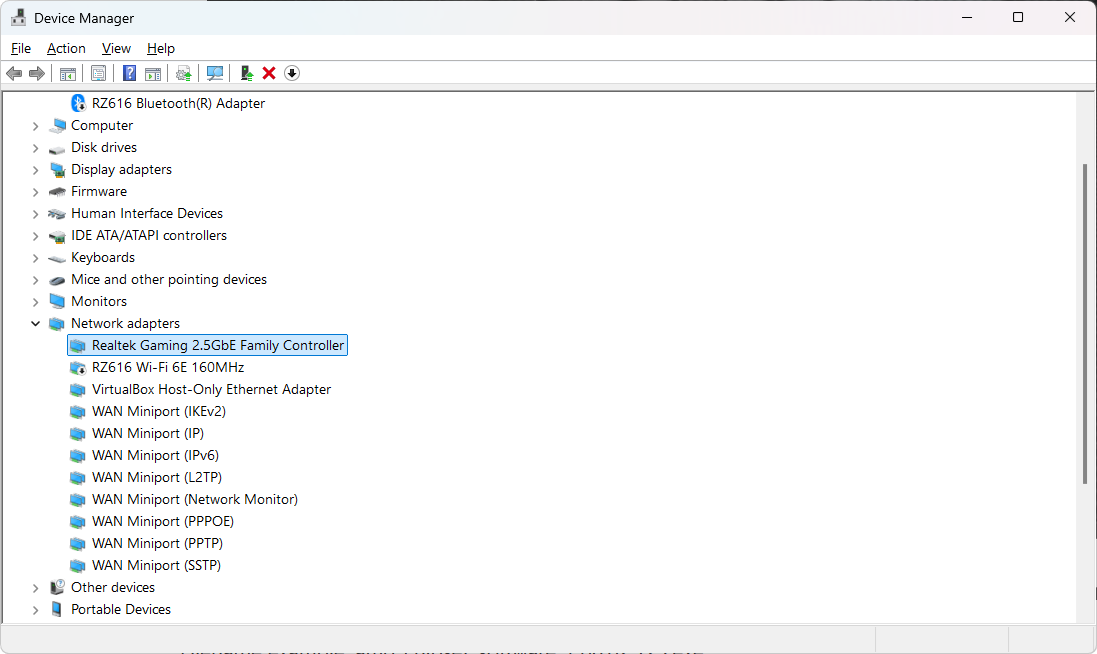
There are a few well documents bugs with the both the AMD Software Adrenalin Edition and also the AMD Chipset Installer. With the Adrenalin software, in Windows 11 the start menu or settings will stop working properly after installing. With the Chipset Installer, after the install, the Realtek PCIe 2.5GbE network card may disappear – Leaving you with a grayed out adapter in Device Manager (after enabling show hidden devices), and even their Driver update Installer fails to find it.
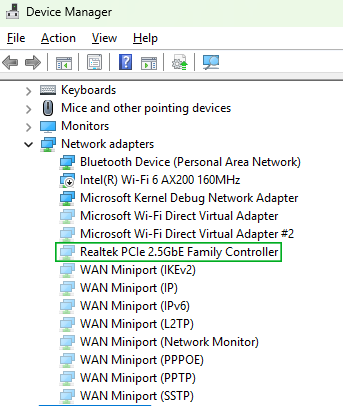
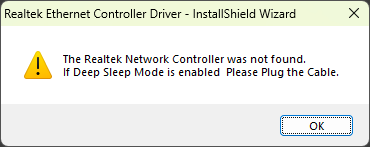
eventvwr may show the following errors:
Log Name:      System
Source:        rt640x64
Event ID:      2
Description:
Realtek PCIe 2.5GbE Family Controller has a Hardware IO error.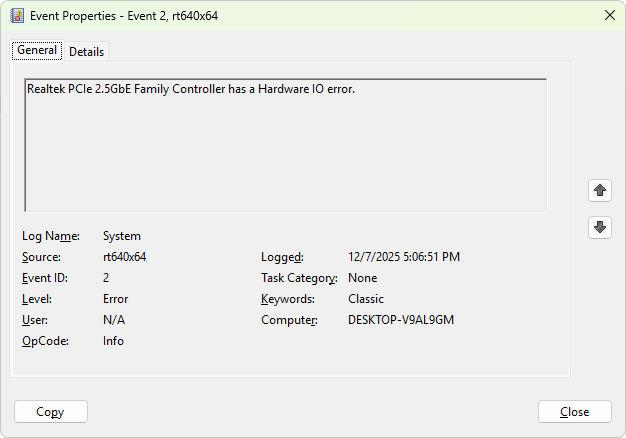
Log Name:      System
Source:        Microsoft-Windows-NDIS
Event ID:      10400
Description:
The network interface "Realtek PCIe 2.5GbE Family Controller" has begun resetting.  There will be a momentary disruption in network connectivity while the hardware resets. Reason: The network driver detected that its hardware has stopped responding to commands. This network interface has reset 51 time(s) since it was last initialized.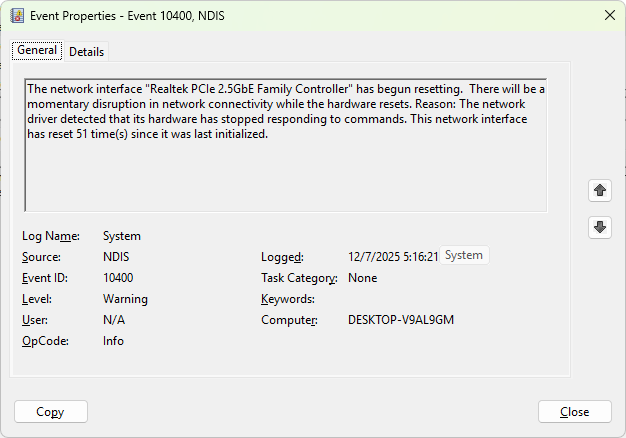
In my case, the problem was caused right after the install of the AMD Chipset Software. Once this software configured the new drivers for the AMD devices, the network card completely disappeared from the Device Manager. To fix, I uninstalled the AMD Chipset Software first and restarted – this made the network card re-appear in Device Manager. I then downloaded the latest Drivers for the Realtek PCIe 2.5GbE and installed them. I then re-downloaded the AMD Chipset Software installer and reinstalled – then restarted once again. After performing these steps. The problem was fixed.
If you are unable to uninstall any of the AMD Software, please try the AMD Cleanup Utility as mentioned in their FAQ Here. The direct link is here: AMD Cleanup Utility for Windows
If you continue to have problems, you may contact AMD Support Here
Other Tools: AMD Software Compatibility Tool – – AMD Bug Report Tool
The best steps to avoid this problem (although not guaranteed), is to perform the following steps on a fresh install:
- Install all the latest updates or Service Packs for your Windows OS (25H2, Windows updates, etc.)
- Download and install the latest version of the Realtek Network Adapter Driver
- Install the necessary software from AMD (Chipset, Adrenaline, etc.) – and restart after every install