box slider
 fullwidth slider
You MUST test your Electrical Outlets too
- Home
- Solution
- Technology Consulting
- You MUST test your Electrical Outlets too
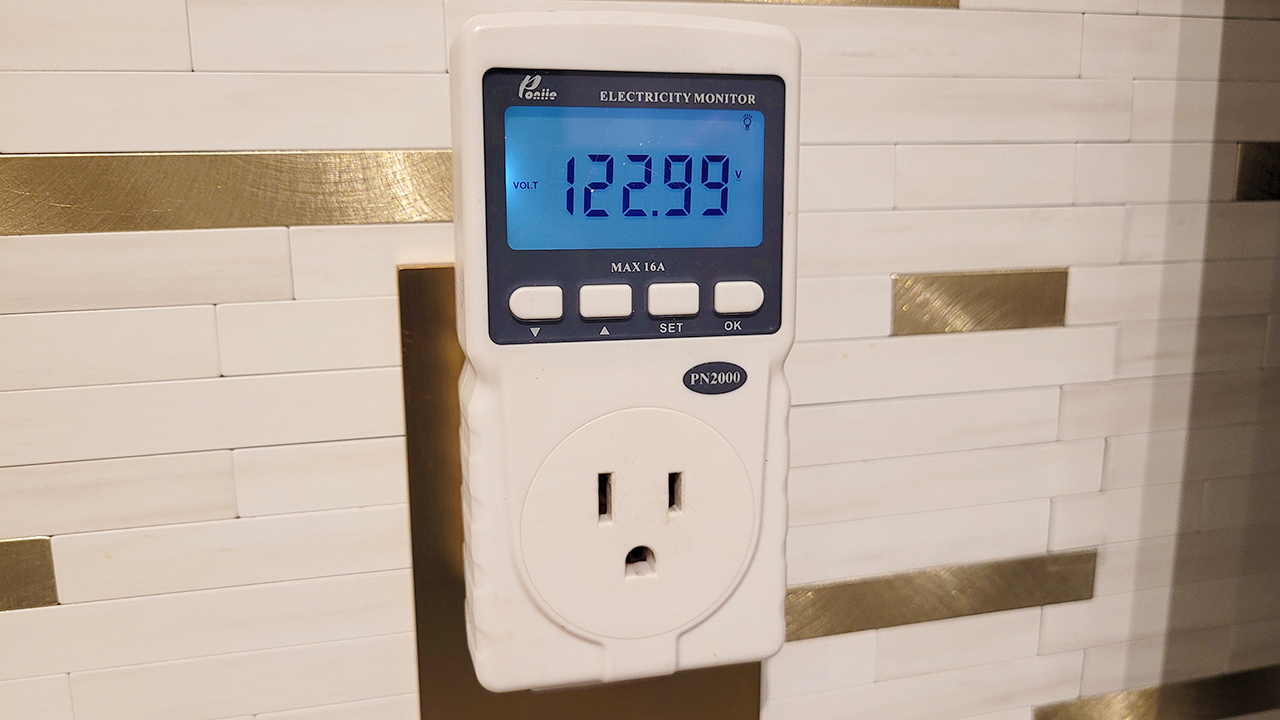
It doesn’t matter if I am working with a Network Engineer in the field, advising a ProSumer with a Homelab, or just working for some clients at their homes or companies, the fact is NOBODY checks the quality of their electricity. The truth is, before installing any type of equipment and guaranteeing any type of Warranty, I must perform and complete 3 tests on the Outlets I will be using to connect my equipment:
- Outlet Wiring Test
- Outlet Voltage Test
- Outlet Load Test
Warning: The following requires working with electrical equipment which can be dangerous. If you are not comfortable working with the following equipment, please hire a Licensed Electrician. If you feel comfortable and do proceed, please make sure to read/review your tool’s instruction manual for safety and proper operation.
Outlet Wiring
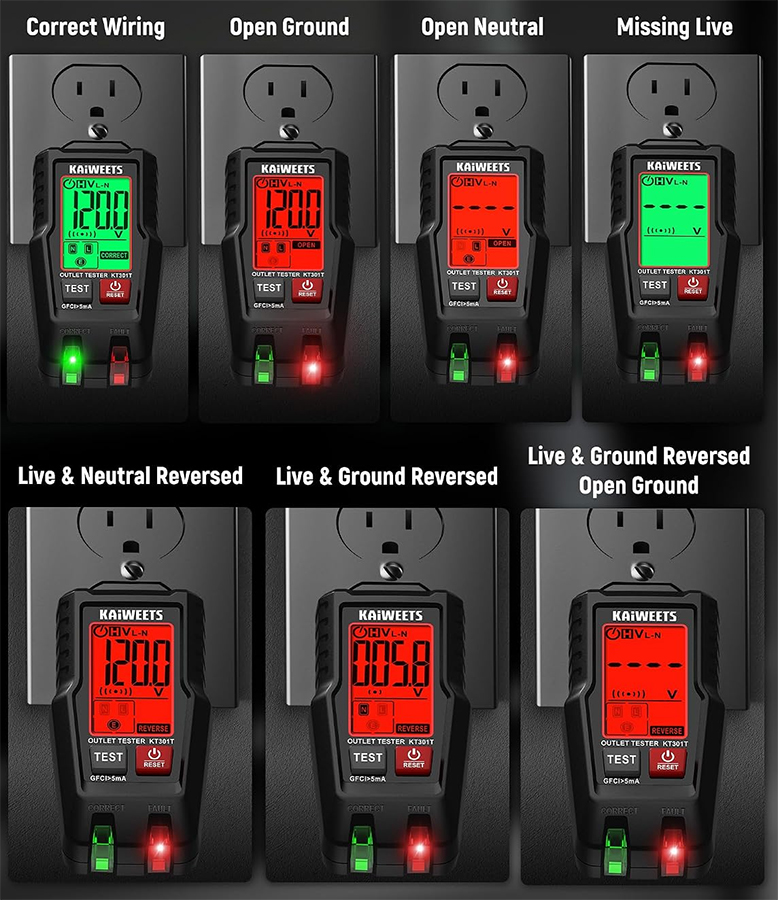
Not only is incorrect wiring dangerous for electronics, it is also dangerous for you, and can completely damage electronics and appliances or shorten their lifespan. Incorrect wiring includes leaving out the ground connection, or reversing the live (hot) and neutral wires. The tool of choice here is a receptacle tester with an LCD if possible. Once plugged in, the tool will use LEDs to indicate if the Outlet is wired properly. Let’s see some sample tools (Click images to expand):
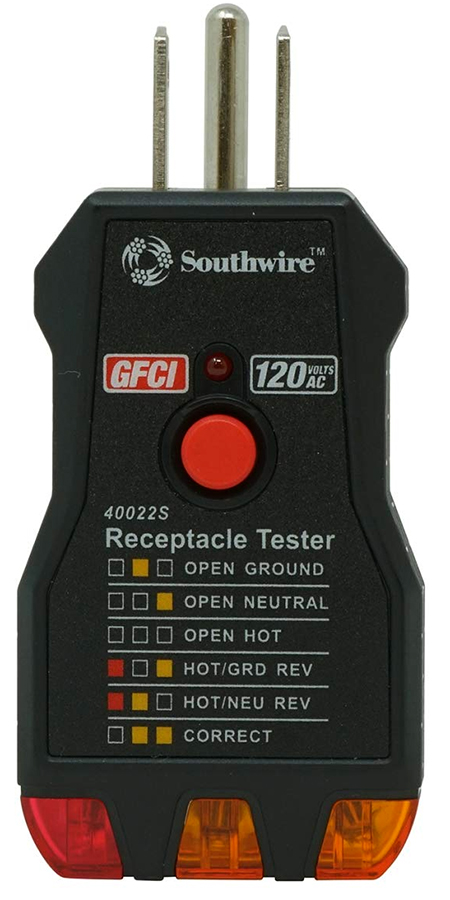
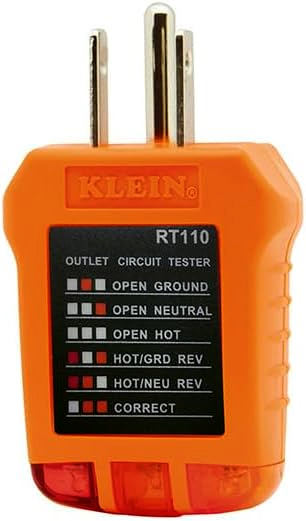
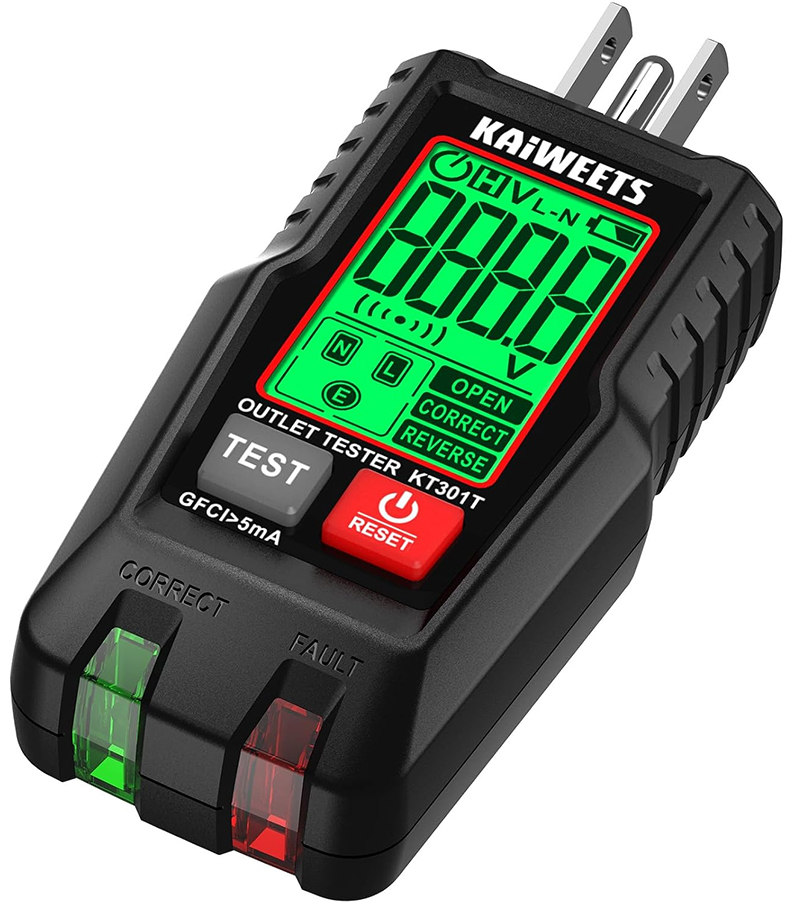
Each tool has a key printed on it which helps you understand the results. You can see that on two of the images above, and for a tester with an LCD, the results look like this:
Outlet Voltage
Once the wiring shows up as Correct in one of the testers above, the next step is to check the Voltage and make sure it is within the operating range – In the US, 114V to 126V is acceptable (± 5% tolerance of 120V). There are three tools that we can use for this:
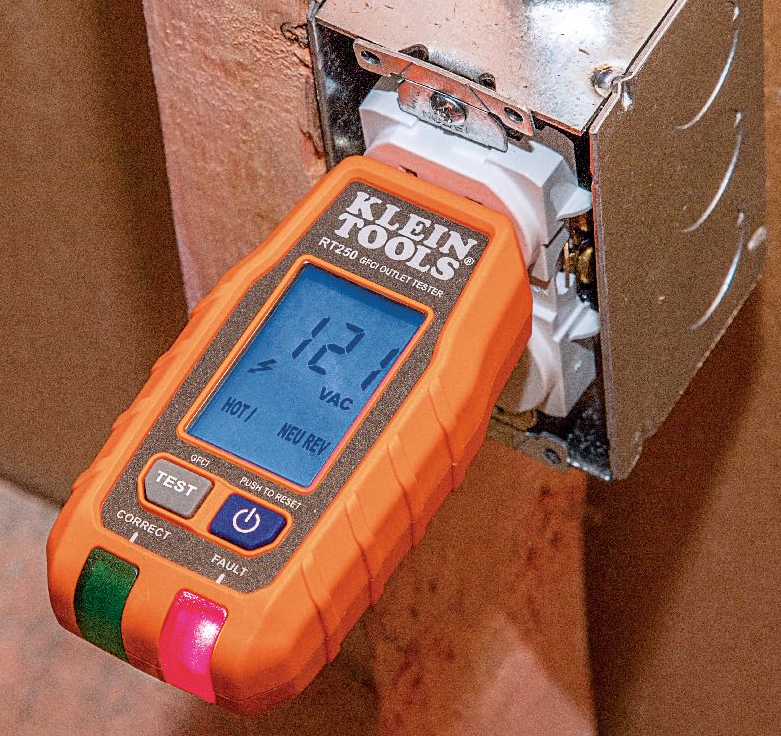
Receptacle Tester with LCD
Just plug-in to the outlet and review the voltage on the screen. 121V displayed below:
Multimeter
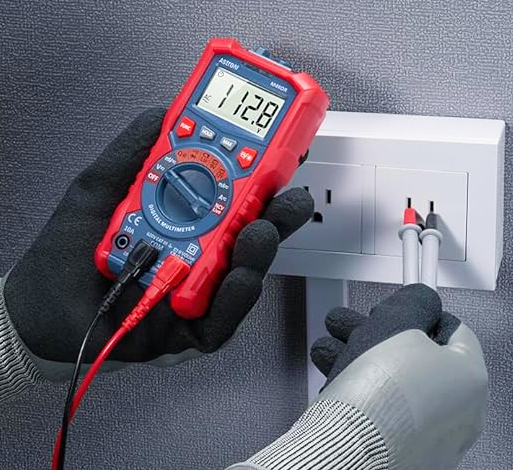
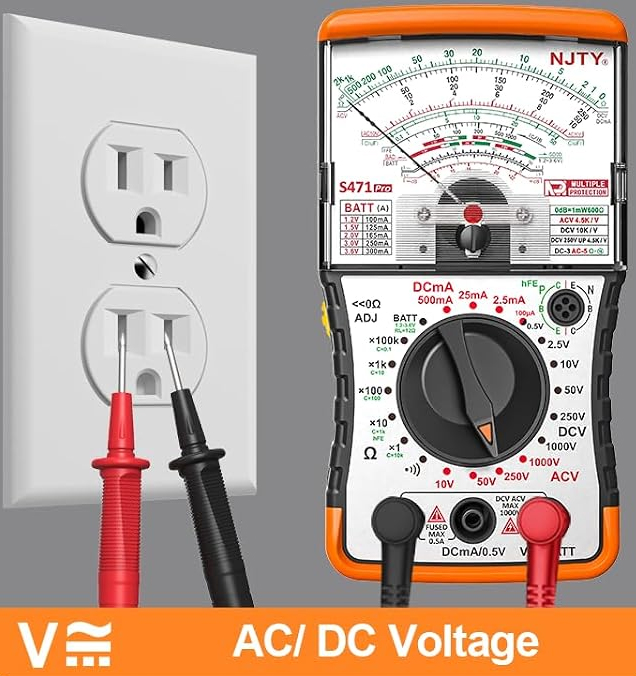
The Multimeter comes in two flavors, digital or analog, and uses two probes to take certain measurements from an Outlet. You have to set the Multimeter to the correct setting, then insert the probes into the Neutral and Hot. When this is done correctly, the Multimeter will display the voltage on the screen or move the needle:
Power Meter
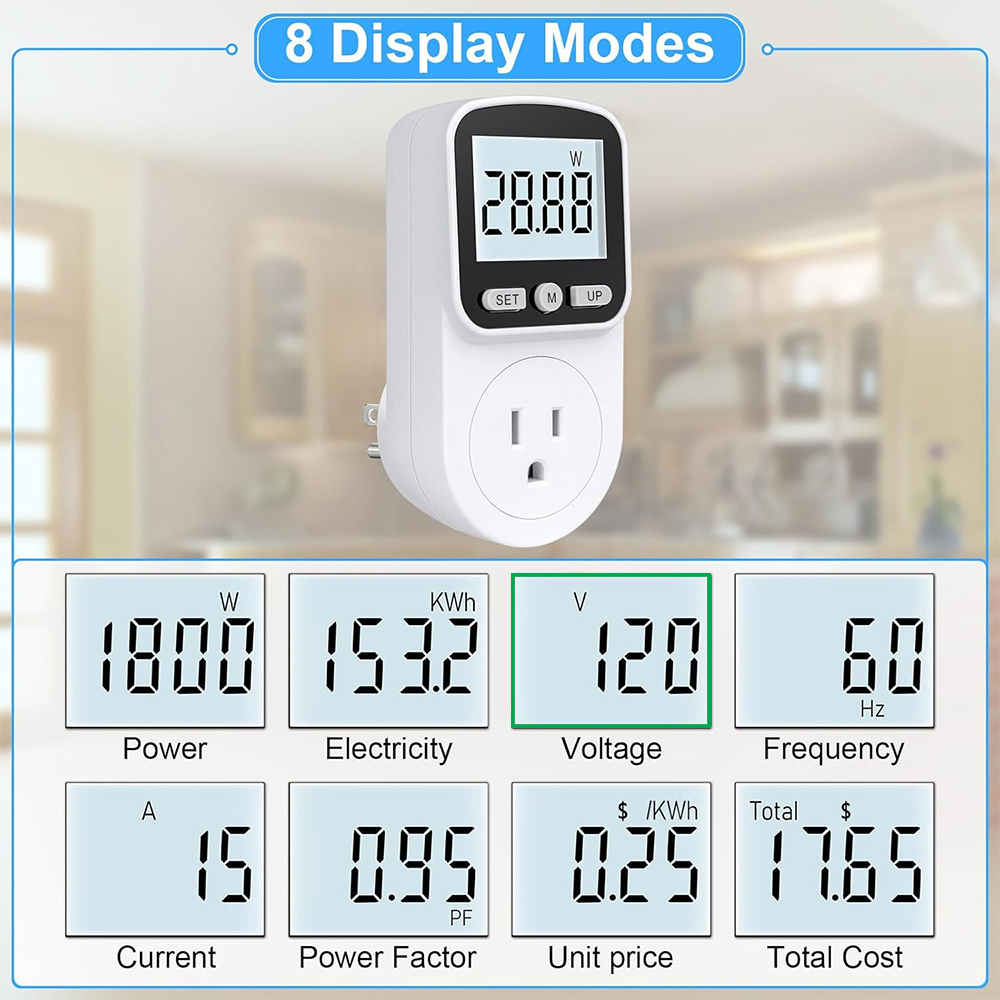
The Power Meter or Watt Meter is one of my favorite tools. It is able to display a lot of useful information which includes the Voltage of the Outlet, and once a device is plugged in, it can measure the power usage, current and others, as you can see below. To display the voltage, plug in the power meter and change the mode or setting to Voltage.
Outlet Load Test
True Story: I’ve been called because of installed equipment (Battery backup with Security Cameras, or Servers, desktop computers, network switches, firewalls, etc.) losing power during the day or even at night when nobody was in the office. After investigating, a 15A or 20A breaker was maxed out, causing it to trip and power off anything that is connected.
The important part: Even though the Voltage and Wiring tests above showed optimal results, we still cannot conclude that this Outlet is in good health; for that, we use a load or stress test. It’s very common to find multiple electrical outlets and even lighting sharing the same wire that goes back to the breaker panel, meaning one wire can have multiple loads from multiple outlets. Even though you have an Outlet assigned to you for your equipment and think the 120V Outlet has 15 Amps available, or a total of 1800 Watts, it may be less due to the other loads, and this is why I always recommend testing the Outlet with a load that is a bit greater than what you expect to connect.
Example: Let’s say you will be connecting a battery backup with 2 monitors, a desktop computer and laser printer. When using the PC and printing, all these devices together can use up to 1300 Watts. If this wattage is not available in this circuit, the breaker will trip. To view a long list of many devices I have measured, click here for: Mini PCs, Desktop Computers, Server Computers, Laptops, LCDs/TVs, Networking Hardware or IoT Devices.
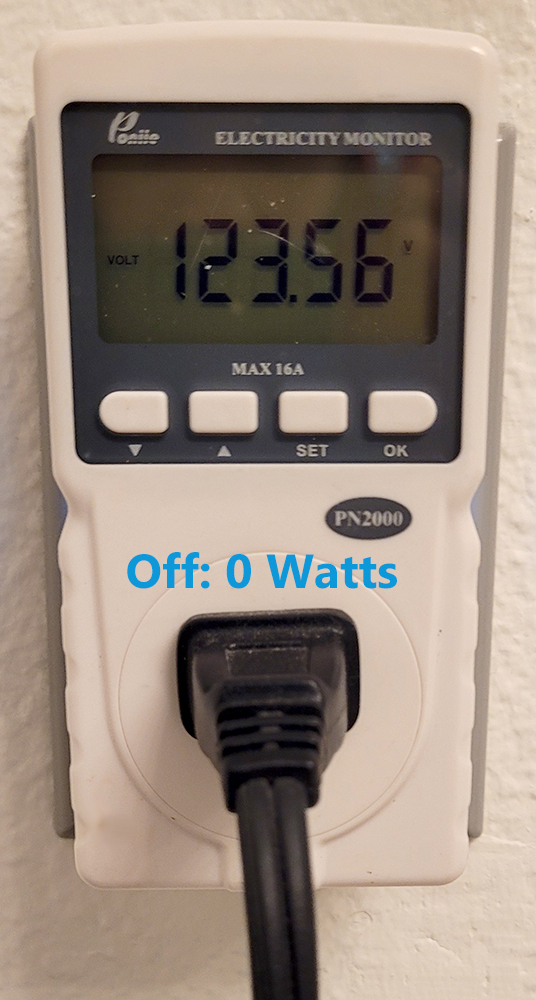
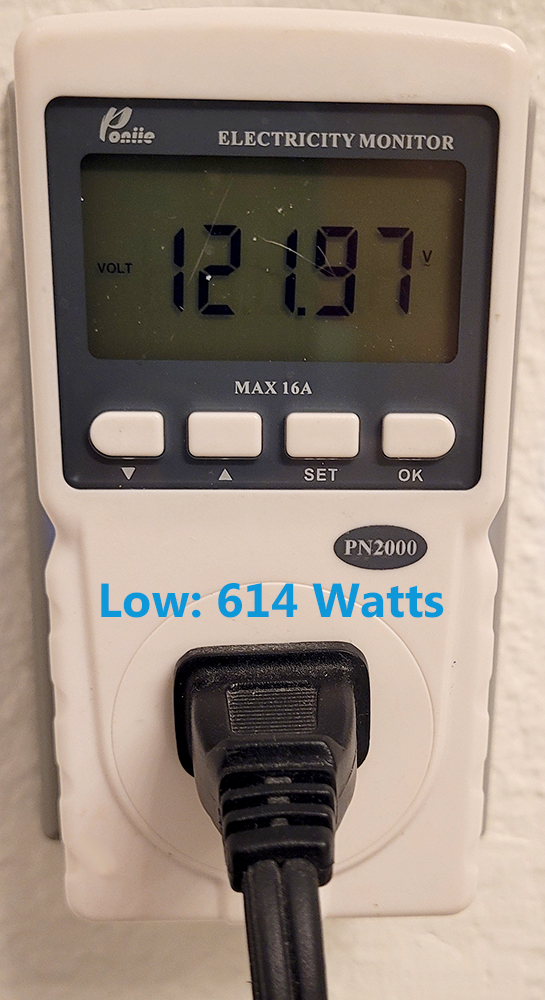
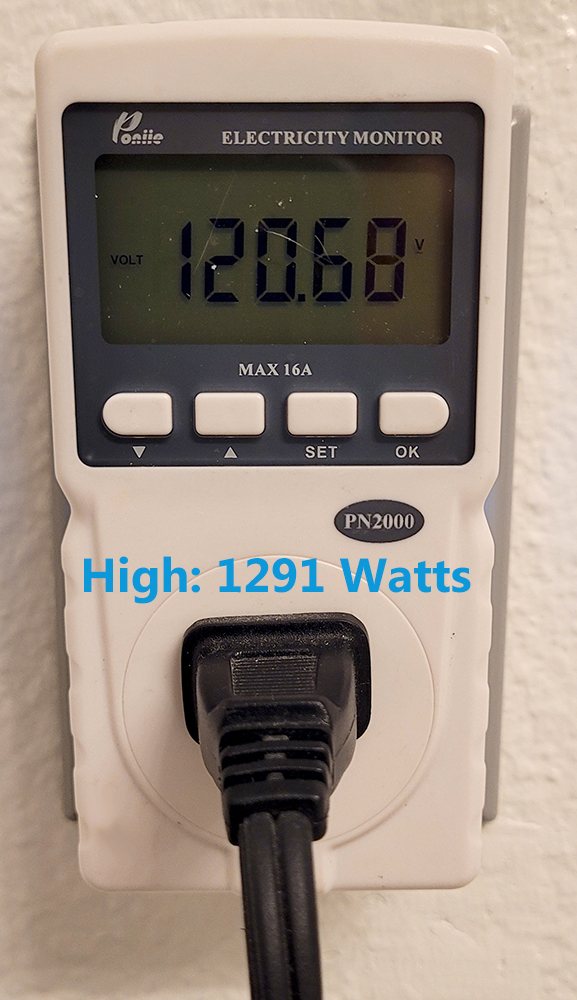
This test can be performed with a Clamp Multimeter, but the easiest tool for this is the Power Meter or Watt meter. A great portable device for generating between 300 and 1500 Watts is a portable heater. Connect the heater to the Power Meter and run it’s multiple settings (Low, Medium, High) and document it’s power usage – for example: Low: 515 Watts, Medium: 741 W, High: 1189 W, but just as important is for you to monitor the Voltage once you power it on. You want to make sure that the voltage stays within the acceptable range, if it does not, contact a licensed electrician. If you are able to run this test successfully for a few minutes, then you have confirmed this Outlet is properly wired, has adequate voltage, and can support a load higher than the equipment you will install. Below is an example of what happens to the voltage when you run a small heater in low and high settings – a voltage drop is expected, but it must remain within range: